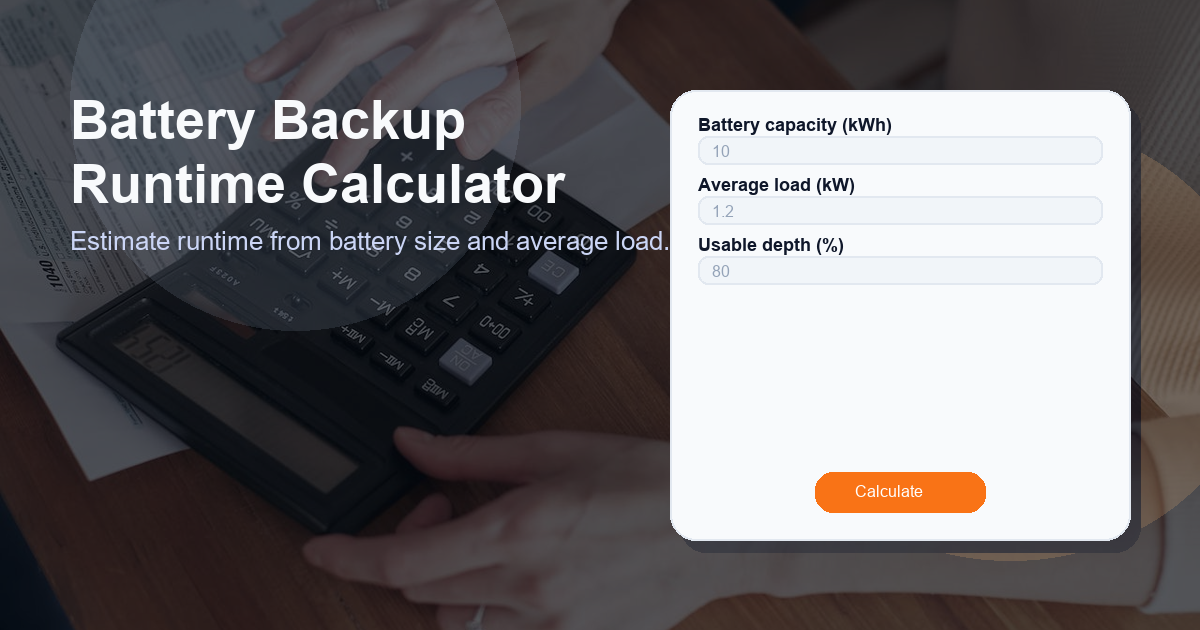
Battery Backup Runtime Calculator
Description: Estimate runtime from battery size and average load using this easy-to-use Battery Backup Runtime Calculator. Enter your battery capacity in kWh, the average system load in kW, and the usable depth of discharge (%) to get a practical runtime estimate.
What this Battery Backup Runtime Calculator calculator does
This Battery Backup Runtime Calculator provides a quick, practical estimate of how long a battery will power a given load. It converts your inputs—battery capacity (kWh), average load (kW), and usable depth (%)—into a runtime expressed in hours (and minutes). The calculator is designed for:
- Home battery systems (backup during outages)
- Off-grid setups where battery sizing matters
- UPS and small data center planning
- Preliminary feasibility checks during the design phase
It does not replace detailed battery sizing tools, but it gives a fast, understandable baseline so you can make informed decisions or ask better questions of battery vendors and engineers.
Battery Backup Runtime Calculator
Estimate runtime from battery size and average load.
How to use the Battery Backup Runtime Calculator calculator
Using the Battery Backup Runtime Calculator is straightforward. Follow these steps for a reliable estimate:
- Enter battery capacity (kWh): This is the stored energy rating of your battery pack. Example: a 10 kWh home battery.
- Enter average load (kW): This is the steady power draw you expect during backup. Include critical loads only if you plan to shut off non-essential circuits. Example: a refrigerator plus a few lights might be ~2 kW.
- Enter usable depth (%): This is the percentage of the battery you plan to use. Many batteries are not drained to 100% to preserve life — typical usable depth is 60–90% depending on chemistry and system settings.
- Click Calculate: The calculator returns the estimated runtime labeled Runtime in hours and minutes.
Tips for accurate inputs:
- Use the battery manufacturer's usable capacity if available (some list usable kWh directly).
- When in doubt, use a slightly conservative usable depth to avoid overestimating runtime.
- Average load should be an estimate of typical consumption during the outage, not peak startup currents—those affect inverter sizing more than steady runtime in this simple model.
How the Battery Backup Runtime Calculator formula works
The calculator uses a simple, transparent formula:
Runtime (hours) = (battery_capacity_kWh * (usable_depth_percent / 100)) / average_load_kW
Explanation:
- battery_capacity_kWh is the total energy stored in kilowatt-hours.
- usable_depth_percent converts total capacity into practical usable energy (for battery life and safety).
- average_load_kW is the continuous power draw; dividing available energy by power yields time.
Conditional: If average_load_kW is zero or less, the formula returns 0 hours because you cannot divide by zero and a zero load implies unlimited runtime only in theory — for practical purposes, if no load exists you'll have effectively unused energy.
This formula assumes constant load and does not account for efficiency losses. For most lithium-based systems, inverter and wiring losses reduce usable runtime by a percentage (see next section). If you want to include efficiency, multiply the numerator by system efficiency (e.g., 0.9) before dividing by load.
Use cases for the Battery Backup Runtime Calculator
This calculator is useful in multiple scenarios. Common use cases include:
- Emergency planning: Quickly estimate how long lighting, refrigeration, or medical equipment will run during an outage.
- Purchase decisions: Compare battery capacities to determine which model meets your minimum runtime requirement.
- Budgeting and tradeoffs: Understand runtime differences when adjusting usable depth or adding capacity.
- System optimization: Decide which loads to shed first to extend backup time (e.g., HVAC vs lights).
- Field checks: Verify whether an installed battery meets expected runtime performance.
Other factors to consider when calculating runtime
While the Battery Backup Runtime Calculator provides a solid baseline, several real-world factors can change actual runtime:
- Inverter efficiency: Converting DC battery power to usable AC consumes energy. Typical inverter efficiencies range 85–98%. Lower efficiency reduces runtime.
- Temperature: Batteries lose capacity in cold conditions and may be limited by thermal management systems.
- Battery age and degradation: Real capacity declines over cycles and calendar time; an older battery provides less runtime than when new.
- Peak and startup loads: Motors and compressors draw higher power at startup; while the calculator uses average load, repeated startups may shorten effective runtime.
- System controls and reserve settings: Many systems intentionally reserve a buffer to prevent full depth-of-discharge, preserving lifecycle and leaving less usable energy than nameplate numbers.
- State of charge (SoC) at outage start: If the battery is not fully charged when the outage begins, available energy is reduced.
For project-level design or mission-critical systems, pair this calculator's estimate with detailed modeling that includes losses, dynamic loading, and environmental conditions.
FAQ
How accurate is the Battery Backup Runtime Calculator?
The calculator gives a reasonable first-pass estimate based on simple physics (energy ÷ power). Accuracy depends on correct inputs and the absence of additional losses. Expect real-world runtime to be slightly lower due to inverter/wiring losses, battery inefficiency, and environmental factors.
Can I include inverter efficiency in the calculation?
Yes. To account for inverter efficiency, multiply the usable energy by the overall system efficiency (for example 0.9 for 90% efficiency) before dividing by the average load. Example: runtime = (capacity * usable% * efficiency) / load.
What units should I use for capacity and load?
Use kilowatt-hours (kWh) for battery capacity and kilowatts (kW) for average load. If you have watt-hours (Wh) or watts (W), convert by dividing or multiplying by 1,000 respectively.
Why does usable depth (%) matter?
Most batteries have a recommended usable depth to protect battery life and warranty. Using a conservative usable depth (e.g., 80%) prevents full discharge and provides a more realistic runtime estimate.
Can this calculator handle multiple batteries or parallel banks?
Yes—combine total usable energy first. For parallel batteries, add their usable kWh capacities together and enter the total capacity into the Battery Backup Runtime Calculator as the battery capacity value.