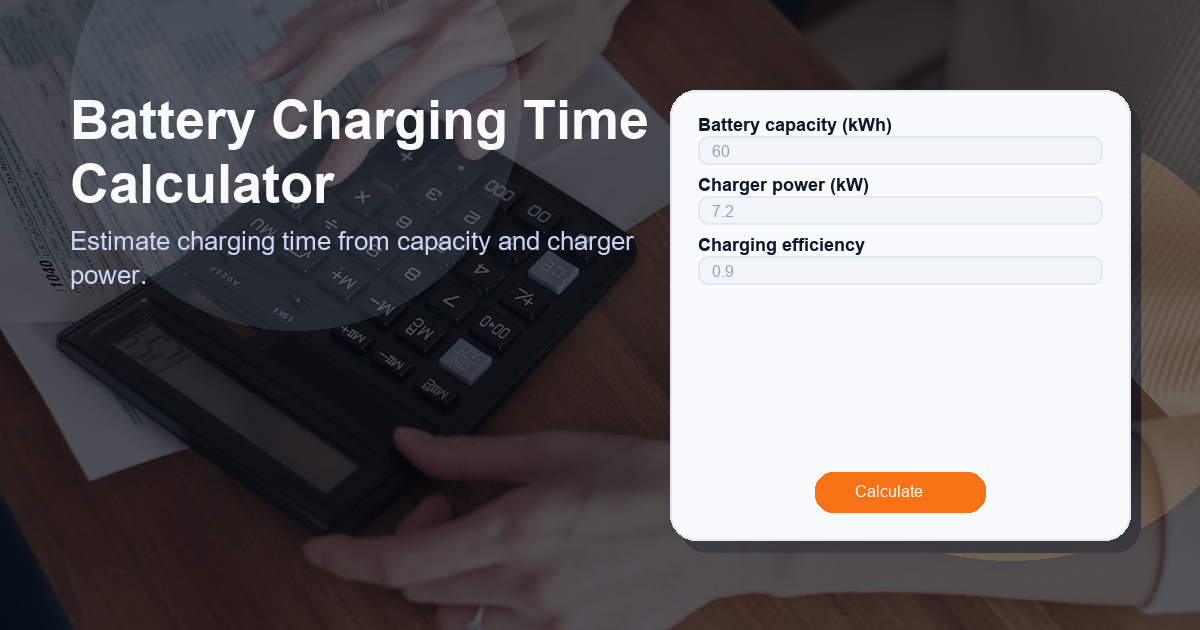
Battery Charging Time Calculator
Use the Battery Charging Time Calculator to quickly estimate how long it will take to charge a battery based on its capacity, the charger’s power, and charging efficiency. This tool helps EV owners, fleet managers, and energy planners make realistic charge-time estimates for planning trips, scheduling charging sessions, and sizing charging infrastructure.
What this Battery Charging Time Calculator calculator does
The Battery Charging Time Calculator estimates the total time required to charge a battery from empty to full (or to add a specified amount of energy) using a known charger power and accounting for energy losses. The output is shown as Charging Time (typically in hours).
The calculator accepts three inputs:
- Battery capacity (kWh) — the total stored energy the battery holds (kilowatt-hours).
- Charger power (kW) — the maximum continuous power the charger can deliver (kilowatts).
- Charging efficiency — a decimal fraction (0–1) or percentage that represents system losses (inverter, wiring, thermal losses). Typical values are 0.85–0.95 (85–95%).
If the charger power is zero or invalid, the calculator returns 0 to indicate no charge is possible with the given input.
How to use the Battery Charging Time Calculator calculator
Follow these simple steps to estimate charging time:
- Enter the Battery capacity (kWh). Example: 75 kWh.
- Enter the Charger power (kW). Example: 11 kW for a home AC charger, or 50 kW for a DC fast charger.
- Enter the Charging efficiency as a decimal (e.g., 0.90 for 90%) or as a percentage. If you only know percentage, convert by dividing by 100.
- Read the result labeled Charging Time. This is the estimated time in hours.
Quick tips:
- Use the battery’s usable capacity if you plan to charge only the usable portion rather than the nominal full capacity.
- For partial charges (e.g., 20% to 80%), multiply the battery capacity by the fraction you want to add (0.60 for 60% of the pack) before using the calculator.
- Round the result up to account for real-world variations and charger tapering—charging rarely maintains peak power for the entire session.
Worked example:
Battery capacity = 75 kWh
Charger power = 11 kW
Charging efficiency = 0.90 (90%)
Charging Time = 75 / (11 × 0.90) = 75 / 9.9 = 7.575 hours (~7 hours 34 minutes). The output label will appear as Charging Time.
How the Battery Charging Time Calculator formula works
The calculator uses a straightforward energy-versus-power relationship and adjusts for inefficiency. The formula is:
charger_power_kw > 0 ? battery_capacity_kwh / (charger_power_kw * charging_efficiency) : 0Explanation of terms:
- battery_capacity_kwh — energy required (kWh).
- charger_power_kw — power available to charge (kW). Power multiplied by time gives energy (kW × hours = kWh).
- charging_efficiency — fraction of charger energy actually stored; accounts for losses. Use a value between 0 and 1. For example, 90% efficiency = 0.90.
- The expression charger_power_kw > 0 avoids division by zero; if charger power is zero or negative, the formula returns 0.
Interpreting the formula: divide the energy you need to add (kWh) by the effective charging power (charger_kW multiplied by efficiency). The result is time in hours. To convert hours to minutes, multiply the fractional hour by 60.
Use cases for the Battery Charging Time Calculator
The Battery Charging Time Calculator is useful across many scenarios:
- Electric vehicle (EV) owners estimating how long an overnight or public charging session will take.
- Fleet managers planning charging schedules for multiple vehicles to maximize availability.
- Home energy systems evaluating how long it takes to recharge a home battery from solar generation or the grid.
- Backup power planning to estimate recharge times after grid outages.
- Charging infrastructure design to size chargers for workplace, depot, or public charging so expected throughput is achieved.
- Educational and comparison tools for demonstrating the impact of charger power and efficiency on charge time.
Other factors to consider when calculating charging time
While the simple formula provides a good baseline, real-world charging time can be affected by several additional factors. Consider the following:
- State of charge (SoC) and charging curve: Batteries usually accept maximum power at low SoC. As the battery nears full, charging power typically tapers to protect the battery, increasing total time.
- Charger and battery limits: The vehicle or battery management system may limit charge power below the charger’s rated power. The effective power may be lower than the charger rating.
- Temperature effects: Cold or very hot conditions reduce charging speed and efficiency due to thermal management and reduced chemical activity.
- State of health (SoH): Older batteries with degradation may accept charge differently than new ones, affecting effective capacity and time.
- AC vs DC charging: AC chargers often rely on the vehicle’s onboard charger (limited kW), while DC fast charging bypasses onboard limits and can deliver higher power—leading to different real-world times.
- Grid/solar availability: If charging from intermittent sources (like solar), average effective power over time may be lower than peak power.
- Connector, cable, and wiring losses: These increase energy losses beyond simple efficiency assumptions.
- Planned depth of charge: Charging from 20% to 80% will be faster than charging 0% to 100%; use the actual kWh delta for accurate estimates.
- Safety margins: Add a buffer (e.g., 5–15%) when scheduling to account for unexpected reductions in charge rate.
By combining the calculator’s baseline estimate with knowledge of these practical constraints, you get a reliable planning figure for charging activities.
FAQ
Q: How accurate is the Battery Charging Time Calculator?
A: The calculator provides a theoretical baseline based on energy and power with a correction for efficiency. It is accurate for steady-state charging at the specified power but does not account for charging taper, thermal limits, or power throttling. Expect real-world times to differ—often longer—so use the result as an estimate and add a buffer.
Q: Why do I need to enter charging efficiency?
A: Not all energy delivered by the charger is stored; some is lost as heat in cables, converters, and the battery. Charging efficiency converts gross charger output into net stored energy. Entering a realistic efficiency (e.g., 0.9) improves the estimate.
Q: Can I use this calculator for partial charging (e.g., 20% to 80%)?
A: Yes. Multiply battery capacity by the fraction of the battery you plan to add (0.60 for 20%→80%) and use that value as the energy input. For example, for a 75 kWh pack adding 60%, use 75 × 0.60 = 45 kWh in the formula.
Q: What charging efficiency should I use if I don’t know it?
A: If unknown, choose a conservative default between 0.85 and 0.95. For many EVs and residential systems, 0.90 (90%) is a reasonable starting point.
Q: Why does the formula return 0 sometimes?
A: The formula checks that charger power is greater than zero. If charger_power_kw is zero or negative, charging cannot occur, so the calculator returns 0 to indicate no valid charging time can be computed.