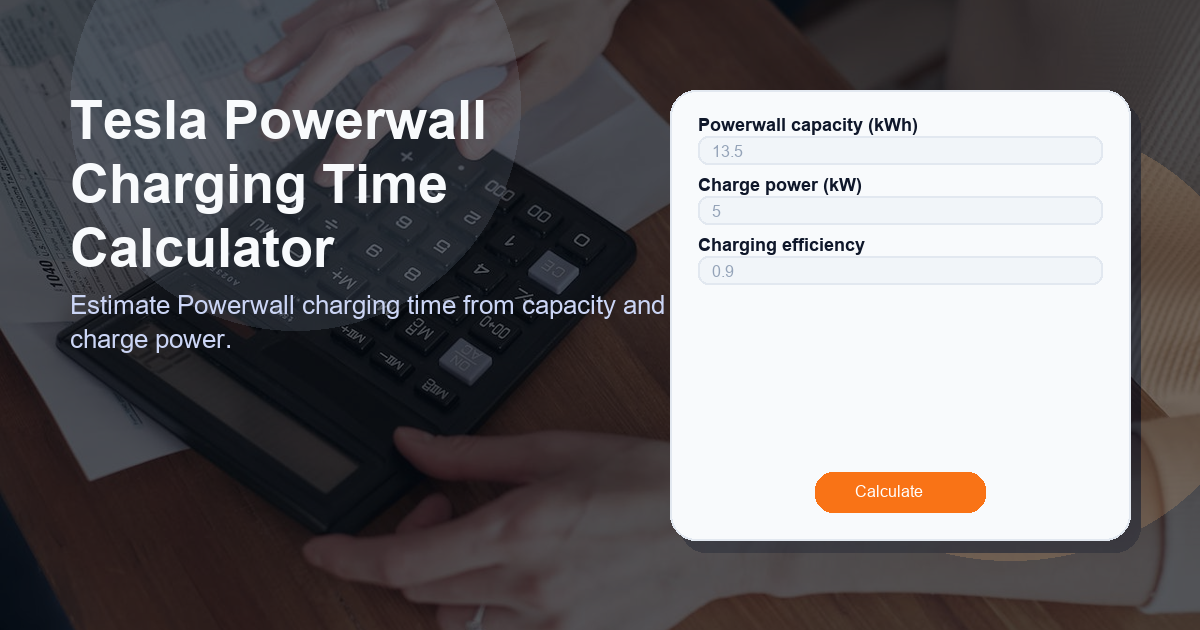
Tesla Powerwall Charging Time Calculator
Description: Estimate Powerwall charging time from capacity and charge power using the Tesla Powerwall Charging Time Calculator. Enter the Powerwall capacity (kWh), the charging power (kW), and the charging efficiency to get an estimated charging duration in hours and minutes.
1) What this Tesla Powerwall Charging Time Calculator calculator does
The Tesla Powerwall Charging Time Calculator provides a quick, practical estimate of how long it will take to charge a Powerwall battery from empty (or from a known remaining energy state) using a specified charging source. It uses a simple energy/time relationship and accounts for charging efficiency to give a realistic estimate of the required time.
This tool is useful for:
- Homeowners deciding whether their solar array or generator can fully recharge a Powerwall overnight.
- Installers sizing charge equipment and validating system performance expectations.
- Energy planners estimating turnaround times for battery-backed systems.
Tesla Powerwall Charging Time Calculator
2) How to use the Tesla Powerwall Charging Time Calculator calculator
Using the Tesla Powerwall Charging Time Calculator is straightforward. Follow these steps:
- Enter the Powerwall capacity (kWh) — this is the usable energy storage in kilowatt-hours. A single Tesla Powerwall typically has ~13.5 kWh usable capacity.
- Enter the charge power (kW) — the continuous power you can deliver to the Powerwall when charging (solar inverter, EV charger-like source, or generator output dedicated to the battery).
- Enter charging efficiency — the fraction of energy that actually makes it into the battery (accounting for conversion losses and heat). Use a decimal like 0.9 for 90% efficiency or enter 90 and the tool will convert it.
- Press Calculate to see the result labeled Charging Time. The result will be shown in hours and minutes and as a decimal hour value for planning precision.
Tips for accurate inputs:
- Use the actual measured or spec’d charge power rather than peak inverter ratings.
- If you only have a percentage for efficiency, the calculator will accept either a decimal (0.85) or a percent (85).
- For partial charging scenarios, adjust the capacity input to the energy difference you need to replace (kWh to add).
3) How the Tesla Powerwall Charging Time Calculator formula works
The calculator uses a simple energy balance formula based on the relationship between energy (kWh), power (kW), and time (hours):
Formula: charge_power_kw > 0 ? powerwall_capacity_kwh / (charge_power_kw * charging_efficiency) : 0
Explanation:
- powerwall_capacity_kwh — the energy you want to store in the battery (in kWh).
- charge_power_kw — the continuous charging power available (in kW).
- charging_efficiency — the fraction of delivered energy that ends up stored (unitless, typically 0.8–0.95).
So the time in hours is obtained by dividing the needed energy (kWh) by the effective charging power going into the battery (kW × efficiency). If the charge power is zero or not available, the formula returns 0 to indicate no charging is possible.
Example calculation:
For a 13.5 kWh Powerwall, 5 kW charge power, and 90% efficiency (0.9):
Charging time = 13.5 / (5 × 0.9) = 13.5 / 4.5 = 3.0 hours
4) Use cases for the Tesla Powerwall Charging Time Calculator
The Tesla Powerwall Charging Time Calculator is valuable across multiple scenarios:
- Residential Solar Integration: Determine whether your daytime solar output can fully recharge a Powerwall before evening peak usage.
- Generator Backup Planning: Estimate how long a backup generator must run to replenish battery reserves after an outage.
- Energy Arbitrage: If you’re charging from the grid during low-cost off-peak hours, calculate how long you must charge to reach a target level.
- System Design & Permitting: Help electricians and installers size charge controllers and verify time-to-charge constraints when designing systems.
Each use case benefits from quick sensitivity checks — try varying the charge power and efficiency to see how charging times change in realistic scenarios.
5) Other factors to consider when calculating charging time when using a Tesla Powerwall
While the calculator provides a straightforward estimate, real-world charging times may vary. Consider these additional factors:
- Battery state of charge (SoC): Charging from 0% to 100% differs from topping up a partially discharged battery. Use the required kWh difference rather than full capacity if applicable.
- Power limits and ramping: Charging power may not be constant; inverters or battery management systems may ramp power up or down depending on temperature and SoC.
- Grid/export restrictions: Solar systems may be curtailed to prevent export, reducing available charging power to the Powerwall.
- Temperature effects: Batteries charge slower in very hot or cold conditions due to protective control algorithms.
- Multiple Powerwalls: If charging several Powerwalls in parallel, ensure that the combined capacity and the available charging power are entered correctly.
- Round-trip efficiency vs. charging efficiency: The calculator uses charging efficiency only. Full round-trip losses (including discharge) should be considered for cycle-level energy planning.
Accounting for these variables will improve the accuracy of your planning and help set realistic expectations for system performance.
Frequently Asked Questions
How accurate is the Tesla Powerwall Charging Time Calculator?
The calculator gives a theoretical estimate based on the input values and the formula. It is accurate for steady-state charging calculations, but real-world results may differ due to dynamic power limits, temperature effects, and system controls. Treat the result as an estimate for planning rather than a guaranteed time.
What value should I use for charging efficiency?
A common default for charging efficiency is around 0.9 (90%), but this can vary. Use manufacturer specs or measured system data when available. The calculator accepts either decimals (0.9) or percentages (90).
Can this calculator handle multiple Powerwalls or partial charging?
Yes. For multiple Powerwalls, multiply the capacity by the number of units or enter the total kWh you need to charge. For partial charging, enter only the kWh difference you want to add (e.g., target minus current stored energy).
What happens if I enter zero for charge power?
If you enter a charge power of zero, the formula returns 0 because no charging is possible. The calculator safeguards against division-by-zero and indicates that you need a non-zero power source to charge.
Does the calculator account for inverter or system limitations?
Not directly. You should input the realistic continuous charging power that the system can deliver after accounting for inverter, management system, and site limitations. The calculator then returns the time based on that effective power.