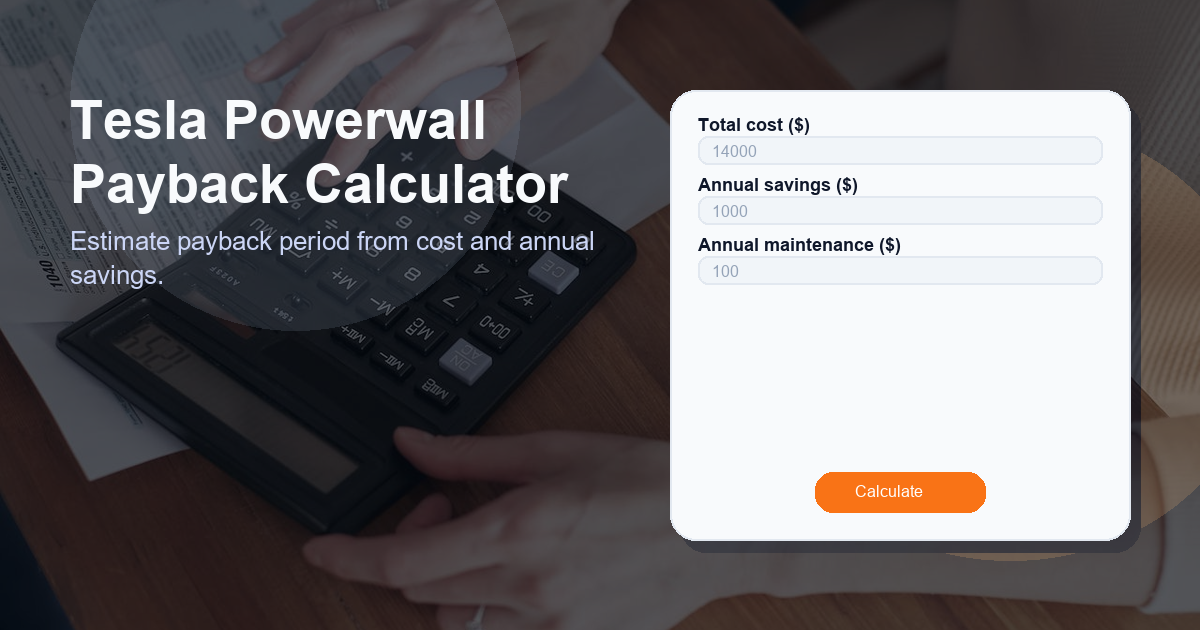
Tesla Powerwall Payback Calculator
Estimate payback period from cost and annual savings. The Tesla Powerwall Payback Calculator helps homeowners and businesses quickly evaluate how long it will take for a Tesla Powerwall (or similar home battery system) to pay for itself based on purchase cost, yearly energy savings, and ongoing maintenance costs.
What this Tesla Powerwall Payback Calculator calculator does
This calculator provides a straightforward estimate of the payback period — the number of years it will take for savings produced by the battery system to equal the initial investment. It focuses on three user-provided inputs:
- Total cost ($) — the full installed cost including battery hardware, inverter/backup equipment, installation labor, permits, and any additional upgrades.
- Annual savings ($) — the estimated yearly financial savings from the battery, such as reduced grid energy purchases, time-of-use arbitrage, or avoided demand charges.
- Annual maintenance ($) — recurring yearly costs like warranties, inspections, insurance, or inverter replacement reserves.
Using a conservative, transparent formula, the tool converts those inputs into a single, easy-to-understand result labeled Payback Period. This makes it simple to compare investment scenarios and decide whether a Powerwall installation aligns with your financial goals.
How to use the Tesla Powerwall Payback Calculator calculator
To use the calculator, follow these steps:
- Enter the Total cost ($) — include purchase and installation costs in one number.
- Enter the Annual savings ($) — estimate how much you expect to save each year thanks to the battery system.
- Enter the Annual maintenance ($) — add yearly upkeep or service costs.
- Calculate — the tool computes the payback period automatically and displays the result as Payback Period (in years).
Example: If your Total cost is $12,000, Annual savings are $1,800, and Annual maintenance is $200:
- Net annual benefit = $1,800 − $200 = $1,600
- Payback Period = $12,000 / $1,600 = 7.5 years
Below is a simple interactive calculator you can use directly on this page:
Payback Period: — years
How the Tesla Powerwall Payback Calculator formula works
The calculator uses a simple, transparent financial formula to produce the payback estimate. The formula is:
(annual_savings - annual_maintenance) > 0 ? total_cost / (annual_savings - annual_maintenance) : 0Explanation:
- annual_savings: the total money you expect to save each year because of the Powerwall (e.g., lower electricity bills, demand charge reductions, or shifting bought energy to cheaper times).
- annual_maintenance: recurring yearly costs associated with keeping the system operational and covered by warranty or insurance.
- If the net savings (annual_savings − annual_maintenance) are positive, payback equals total_cost divided by net annual savings.
- If net savings are zero or negative, the formula returns 0 to indicate that you will not achieve payback under the provided assumptions.
This approach focuses on a simple payback metric — how many years until cumulative savings equal your upfront investment — which is easy to understand and useful for initial screening. Note that it does not compute more advanced financial metrics like Net Present Value (NPV) or Internal Rate of Return (IRR), which require discount rates and multi-year cash flows.
Use cases for the Tesla Powerwall Payback Calculator
The Tesla Powerwall Payback Calculator is useful in a variety of planning and decision-making scenarios:
- Homeowner decision-making: Determine whether a battery project makes financial sense given current electricity rates and incentives.
- Comparing quotes: Quickly compare payback periods from different installers and system sizes by changing the total cost input.
- Evaluating financing options: Compare payback when financing vs paying cash, by including loan payments in annual maintenance.
- Project screening: Prioritize multiple projects by estimated payback to allocate budget or choose which households get battery upgrades first.
- Educational use: Teach basic energy economics to customers, board members, or community groups with a simple, interactive tool.
Other factors to consider when calculating payback period
While the payback calculation is a useful starting point, real-world decisions should consider several additional factors that affect the actual economics of a Powerwall:
- Incentives and rebates: Federal tax credits, state incentives, or utility rebates can substantially reduce total cost. Make sure to subtract these from the Total cost before calculating payback.
- Battery degradation: Over time, usable capacity declines. Reduced performance lowers annual savings in later years.
- Electricity rate changes: Future increases or changes in time-of-use pricing can change annual savings projections.
- Value of backup power: The financial model may not capture non-monetary benefits such as resilience during outages, which could justify investment even with a long payback.
- Install complexity and hidden costs: Upgrades to electrical panels or permit fees increase the true total cost.
- Financing costs: Interest on loans or leases should be incorporated into annual costs for accurate comparisons.
- Tax and depreciation benefits: For commercial installations, tax depreciation can change effective costs and payback.
- Operational strategies: How you use the battery (grid arbitrage vs backup vs peak shaving) affects savings and should be modeled realistically.
- Warranty and maintenance coverage: Fully covered warranties reduce annual maintenance; partial coverage increases risk and cost.
FAQ
1. What inputs do I need for the Tesla Powerwall Payback Calculator?
You need three inputs: Total cost ($) for purchase and installation, Annual savings ($) from reduced electricity bills or demand charge avoidance, and Annual maintenance ($) for routine upkeep and warranty or insurance costs.
2. What does the result labeled “Payback Period” mean?
The Payback Period is the number of years it takes for cumulative net savings (annual savings minus maintenance) to equal the system’s total installed cost. It’s a simple measure of when the investment “pays for itself.”
3. Why does the calculator sometimes return “No payback”?
If your annual savings are less than or equal to annual maintenance, the net annual benefit is zero or negative. In that case the basic payback formula indicates that the system will not pay back under those assumptions.
4. Does this calculator include tax credits or rebates?
Not automatically. To include incentives, subtract expected rebates or tax credits from the Total cost before entering it into the calculator. This will shorten the calculated payback period.
5. Should I rely solely on payback period to decide?
No. Payback is a helpful screening metric, but you should also consider long-term savings, system lifespan, financing costs, incentives, resilience value, and advanced financial metrics like NPV or IRR for a comprehensive analysis.